 Victoria
Keychron makes more keyboards than anyone can reasonably compare. There are K, Q, V, B, M and HE families, most in several sizes, most in several switch options, and the naming does not obviously tell you which is better. The result is that people arrive wanting a mechanical keyboard and leave with a browser full of tabs.
This guide fixes that by working from the decision rather than the catalogue: how much desk you want to give up, whether you need wireless, whether you care about the sound, and whether the real problem is your wrists. We have not typed on these, so nothing here is a hands-on review; the layouts, materials, battery figures and polling rates are the published specifications, and the judgements are about what those mean in daily use.
The picks
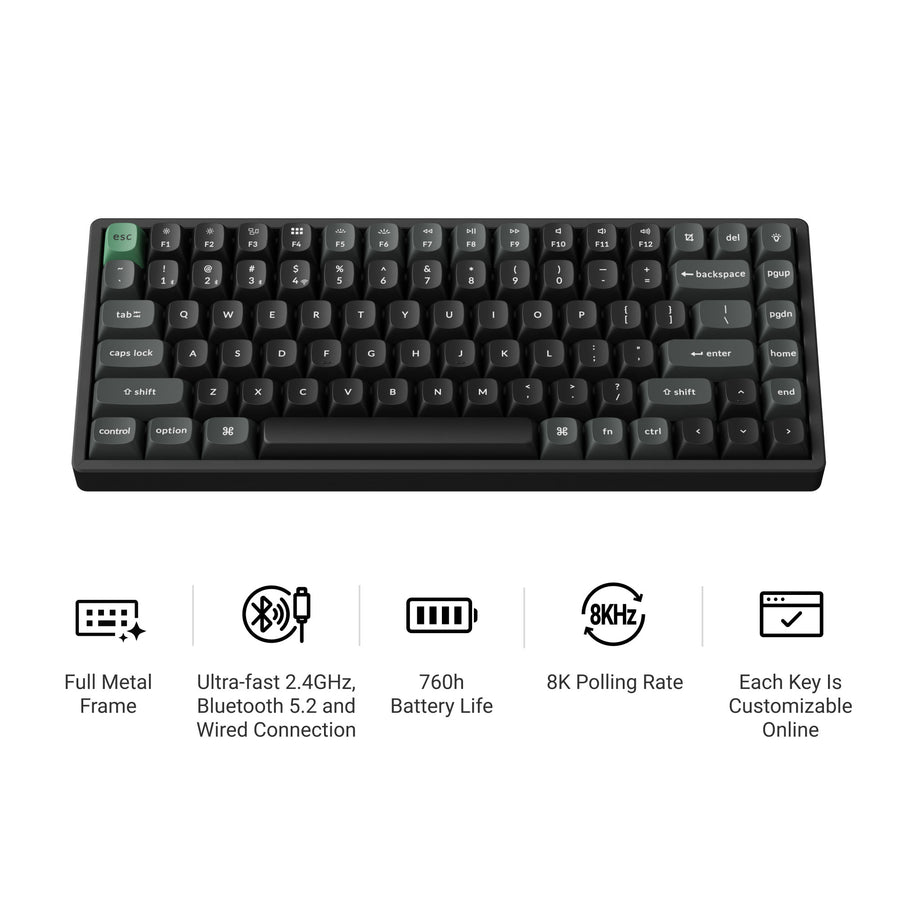
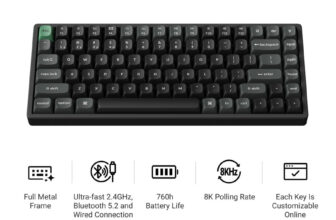
Keychron K2 Ultra 8K
75% layout, tri-mode wireless, 8000 Hz polling, hot-swap switches, CNC aluminium and steel plate, 760 hours of battery in wireless 8K mode.
- 75% layout keeps arrow keys and a function row
- 2.4 GHz, Bluetooth and wired
- Hot-swappable, so switches can change without soldering
- Double-shot PBT keycaps
- 75% is still a compromise if you use a numpad daily
- 8000 Hz polling is wasted on typing
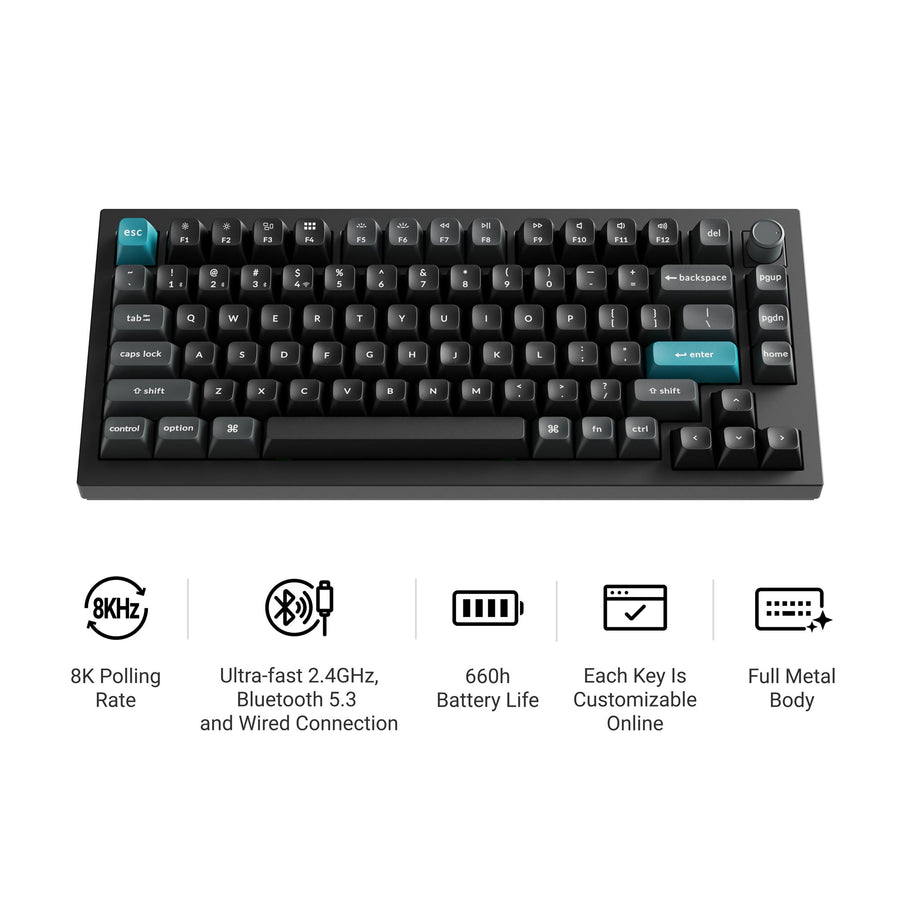
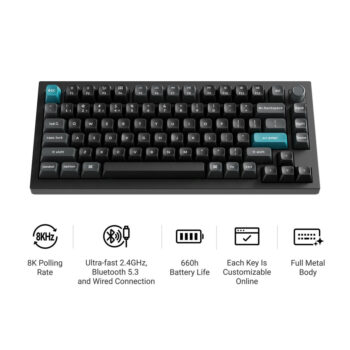
Keychron Q1 Ultra 8K
The same 75% layout in a full metal body with a knob, wireless, and the heavier acoustic treatment the Q series is known for.
- Full aluminium body, not plastic
- Rotary knob
- Wireless, unlike earlier Q boards
- Silk POM switch options
- Heavy enough that it is not a laptop bag keyboard
- You pay a lot for the case, not the electronics
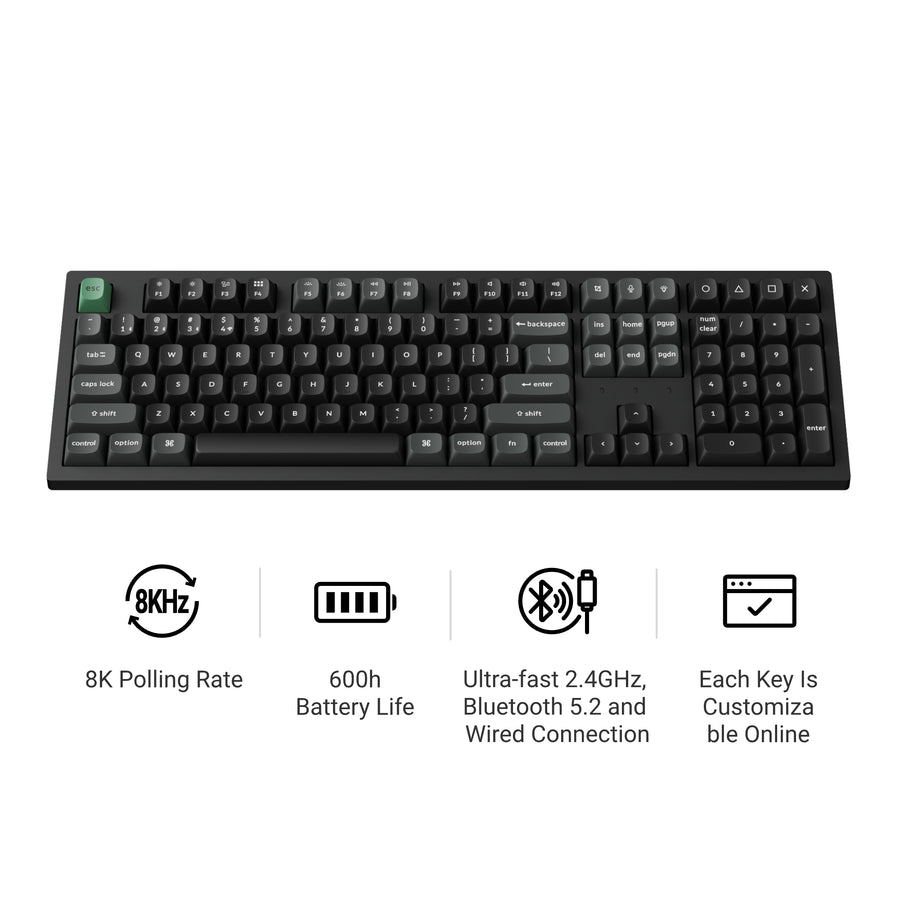
Keychron K10 Ultra 8K
A 100% full-size wireless board with the same Apex switches and 8K polling as the K2, for people who actually use a number pad.
- Full number pad
- Tri-mode wireless
- Hot-swappable switches
- ABS case rather than aluminium
- A full-size board pushes your mouse further right, which is an ergonomic cost
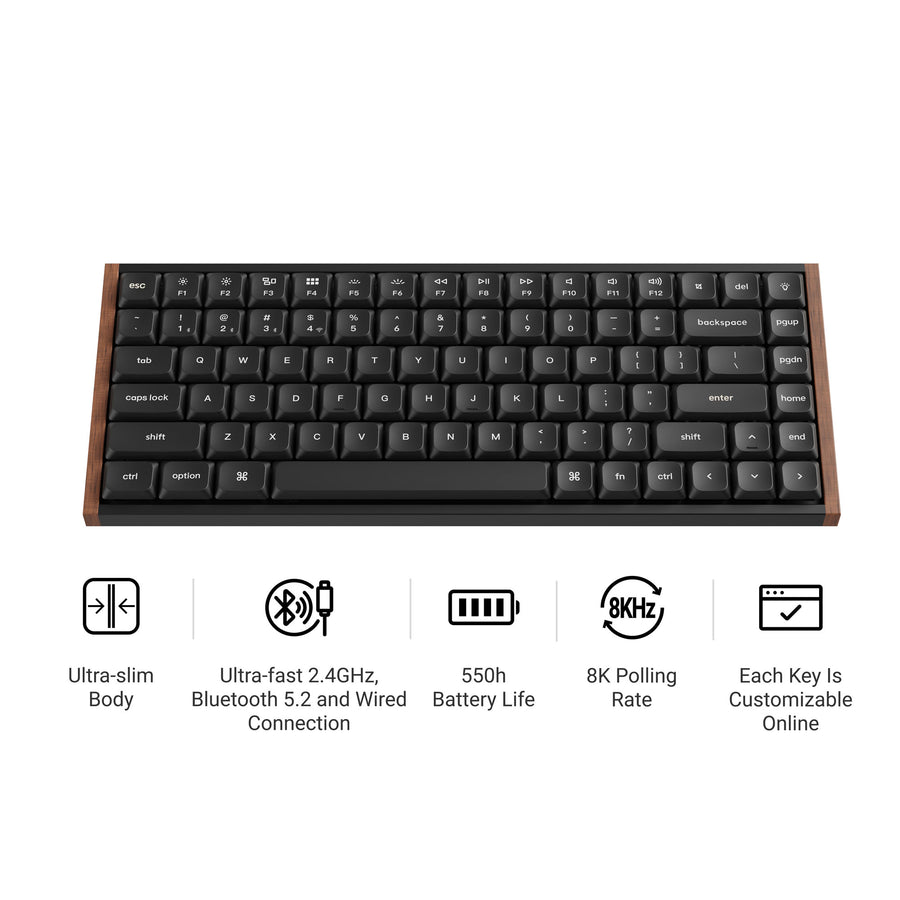
Keychron K3 Ultra 8K
A 75% low-profile board with a metal frame and wood accent, for anyone who finds standard mechanical keyboards too tall.
- Low profile, much closer to laptop key height
- Wireless with 8K polling
- Wood and metal rather than all plastic
- Low-profile switches feel shallower and divide opinion
- Fewer aftermarket keycap options at this height
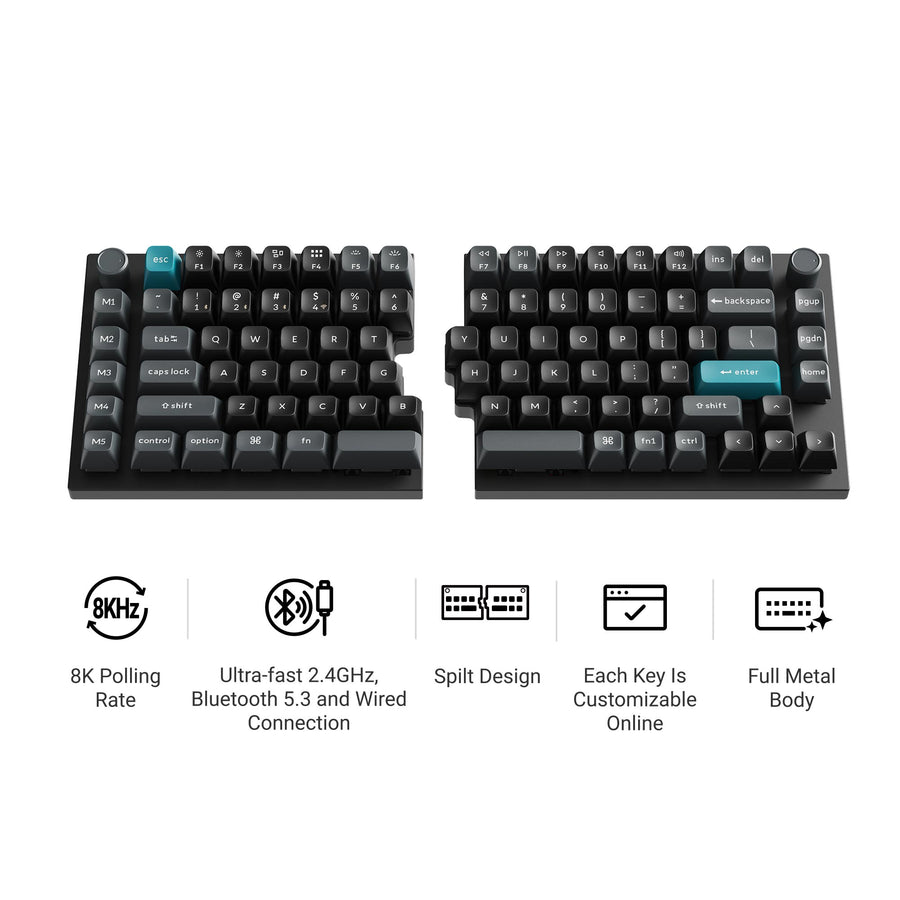
Keychron Q11 Ultra 8K
A split 75% board in aluminium where both halves talk over 2.4 GHz, so no cable runs between them.
- Genuinely split, so the shoulders open up
- No connecting cable between halves
- Full aluminium body
- Can be pushed together like a normal board
- Split layouts take a week or two to relearn
- Two halves means two things to charge and place
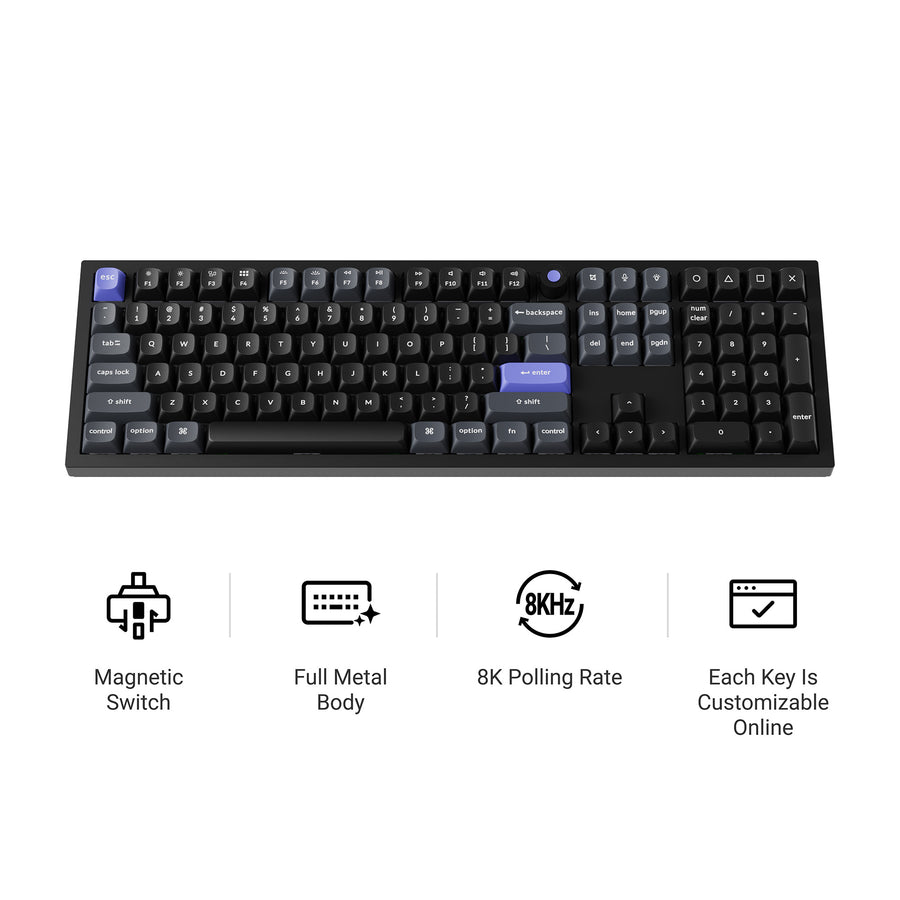
Keychron Q6 HE 8K
Full-size wired board with magnetic hall-effect switches, 8K polling and a 256 kHz per-key scan rate, aimed at competitive games.
- Magnetic switches allow adjustable actuation
- 256 kHz single key scanning
- Full metal case with acoustic foam
- Double-shot PBT keycaps
- Wired only
- Hall-effect switches are not interchangeable with ordinary mechanical ones
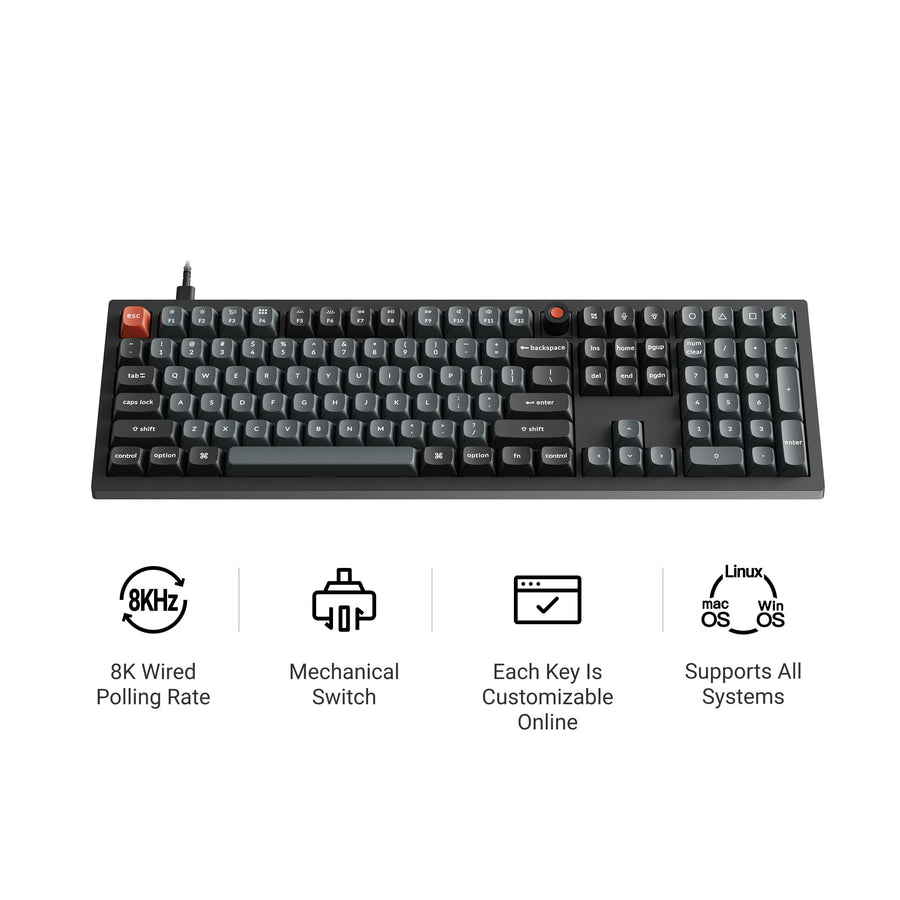
Keychron V6 8K
Full-size wired QMK board in plastic with a knob, hot-swap sockets and PBT keycaps. The cheapest route in that is not a compromise.
- QMK support at the lowest point in the range
- Hot-swappable
- PBT keycaps, not ABS
- Knob included
- Wired only
- Plastic tray mount, so it sounds and feels less premium
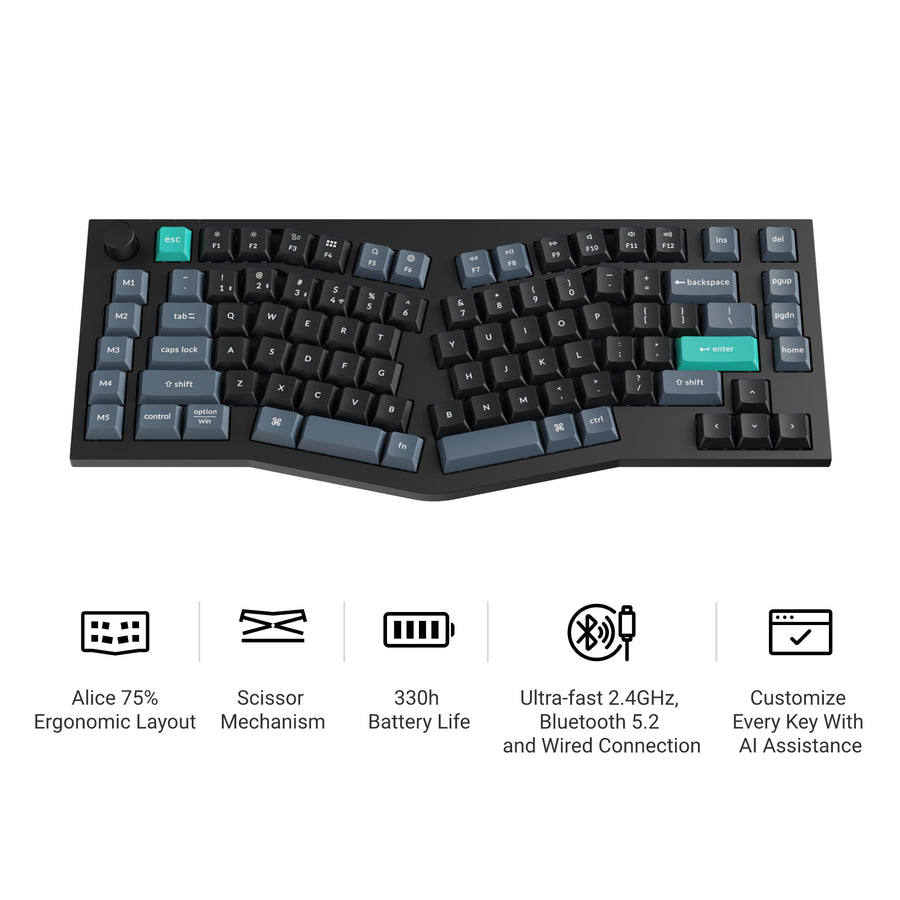
Keychron B40
Not mechanical at all: a 75% Alice-layout board with scissor keys, 595 g, 800 mAh and 330 hours of battery in 2.4 GHz mode.
- Quiet scissor switches for shared offices
- Alice layout is easier on the wrists
- 330 hours of battery
- 595 g, genuinely portable
- Not a mechanical keyboard, which is why it is quiet
- No backlight and ABS keycaps
How we chose
There is no single best keyboard here, and any guide that claims one is not paying attention. We picked one board per use case: general purpose, build quality, full size, low profile, ergonomic, gaming, value and quiet. Where two models differ only by colour or switch option, we picked one.
We also weighted the published specifications that actually change daily use, which are layout, connectivity, case material and battery, over the ones that mostly sell keyboards. An 8000 Hz polling rate is genuinely useful in competitive games and completely irrelevant to writing email, and we say so where it applies.
1. Keychron K2 Ultra 8K
If you are not sure which Keychron to buy, buy this one. The 75% layout is the best compromise in keyboards: you keep the arrow keys and the function row, which most compact boards drop, and lose only the number pad. The K2 has been the brand default for years and the Ultra version adds tri-mode wireless, hot-swap sockets, an aluminium and steel build and PBT keycaps.
The 760-hour battery figure in wireless 8K mode is unusually good for a backlit mechanical board, though it depends on how hard you drive the lighting. Two things to be realistic about: if you enter numbers all day, 75% will annoy you within a week, and the 8000 Hz polling rate is a gaming specification that does nothing measurable for typing.
Check availability at Keychron
2. Keychron Q1 Ultra 8K
The Q series is where Keychron stops competing on price. The Q1 Ultra is the same 75% layout in a machined aluminium case with a gasket-mounted plate and acoustic damping, and the difference is not marketing: a metal case with proper internal foam sounds and feels different under your hands.
The Ultra revision finally adds wireless, which was the main thing earlier Q boards lacked. Know what you are paying for: the electronics are broadly similar to the cheaper boards, and the money is in the case, the mounting and the sound. It is also heavy, which is a feature on a desk and a problem in a bag.
Check availability at Keychron
3. Keychron K10 Ultra 8K
If you use a number pad, none of the compact recommendations apply and this is the board. It is the K2 formula stretched to 100%: the same Apex switches, the same tri-mode wireless, the same hot-swap sockets, with a full number pad on the right.
Two honest notes. The case is ABS rather than the aluminium of the Q series, so it is lighter and sounds hollower. And a full-size board has a real ergonomic cost, because it pushes your mouse hand several inches further right. If you only use the number pad occasionally, a separate numpad plus a 75% board is the better arrangement.
Check availability at Keychron
4. Keychron K3 Ultra 8K
Standard mechanical keyboards are tall, and if you have spent years on a laptop the height is the thing that feels wrong rather than the switches. The K3 Ultra is the low-profile answer: a 75% layout at roughly laptop height, with a metal frame and a wood accent rather than an all-plastic body.
Low-profile switches are genuinely divisive. They have shorter travel and are less satisfying to most enthusiasts, and far more comfortable to a lot of ordinary typists. The other practical limitation is keycaps: low-profile sets are a much smaller aftermarket, so customisation options are narrower.
Check availability at Keychron
5. Keychron Q11 Ultra 8K
If your wrists hurt, layout matters more than switches. The Q11 Ultra splits the board in two so each hand can sit at shoulder width with the forearms straight, which is the biggest ergonomic change available short of a fully columnar keyboard.
The detail worth noting is the wireless link between halves: earlier split boards ran a cable between them and this one does not. Two caveats. You will type badly for a week or two while your hands relearn the middle columns, and you now have two objects to charge and position. It can also be pushed together and used as a conventional board, which eases the transition.
Check availability at Keychron
6. Keychron Q6 HE 8K
This is the gaming-specific board, and the difference is the switches. Magnetic hall-effect switches sense position continuously rather than triggering at a fixed point, so actuation depth is adjustable and features like rapid trigger become possible. With 8000 Hz polling and a 256 kHz per-key scan rate, it is aimed at competitive shooters.
Two trade-offs come with that. It is wired only, because that polling rate is not something wireless does well. And hall-effect switches are not interchangeable with ordinary mechanical switches, so the hot-swap flexibility that defines the rest of the range does not apply. For typing, a normal mechanical board feels better.
Check availability at Keychron
7. Keychron V6 8K
The V series is the same design language in cheaper materials, and the V6 is the full-size version. Wired only, plastic tray-mount case, but with QMK firmware support, hot-swap sockets, PBT keycaps and a knob, which is a lot of the Keychron experience at the lowest point in the range.
What you give up is wireless and acoustics. A tray-mounted plastic case is louder and less even than a gasket-mounted metal one, and foam will not fix that. If you want to find out whether you actually care about keyboards before spending seriously, this is the honest place to start.
Check availability at Keychron
8. Keychron B40
The B40 does not belong in a mechanical keyboard list and that is exactly why it is here. It uses scissor switches, like a laptop, so it is quiet enough for a shared office or a room where someone else is on a call. It is 595 g with an 800 mAh battery and a quoted 330 hours in 2.4 GHz mode.
It also uses an Alice layout, which angles the two halves of the alphabet inward on one board. That is a meaningful wrist improvement without the relearning a fully split board demands. Accept what it is not: no backlight, ABS keycaps, and none of the feel that makes people buy mechanical keyboards in the first place.
Check availability at Keychron
For a wider view of the brand, including where we think it is weak, read our Keychron review.
What the series names mean
K is the mainstream wireless line: plastic or part-metal cases, hot-swap sockets, tri-mode connectivity, and the best balance of price and features. Q is the premium line: machined aluminium, gasket mounting, acoustic foam, and a noticeably different sound. V is the budget line: the same layouts and QMK support in plastic, usually wired.
B is the slim, quiet line with scissor switches rather than mechanical ones. HE denotes magnetic hall-effect switches for gaming. Ultra in a name means the current revision with 8K polling and, on the wireless models, the newer radio. The number is roughly the size: 1 and 2 are compact, 3 is low profile, 6 and 10 and 11 are larger or split.
Layout matters more than switches
Beginners obsess over switches and regret layout. Switches change how a keyboard feels and can be swapped in an afternoon on any hot-swap board; layout is fixed for the life of the keyboard and decides where your hands live for years.
The practical questions are two. Do you type numbers in columns often enough to need a number pad on the keyboard rather than beside it? And do your shoulders roll forward when you type, which is the sign a full-size board is pushing your mouse too far right. Answer those honestly and the choice narrows to two or three models before you look at a single switch chart.
Common questions
Do these work properly with a Mac?
Yes, and it is why a lot of people buy this brand. The boards ship with both Mac and Windows keycaps and a toggle between the two layouts, so command and option land where a Mac user expects. Most models also work with iOS, Android and Linux.
What does hot-swappable actually get me?
It lets you change switches by pulling them out with a tool and pushing new ones in, with no soldering. That matters if you buy tactile switches and decide you wanted linears, or if one switch fails. It is the single feature most worth insisting on, because it makes a wrong switch choice recoverable.
Is 8000 Hz polling worth paying for?
For competitive gaming it measurably reduces input latency. For typing, writing code or working in a browser, no. If your use is the second kind, treat 8K as something that came along with the current revision rather than as a reason to choose a board.
QMK or the Keychron app?
QMK and its graphical front end give you remapping, layers and macros stored on the keyboard itself, so the configuration follows the board to any computer. That is a real advantage over software installed per machine, and it is available across the Q and V series and much of the K series.
The short version
Most people should buy the K2 Ultra. If you want the best-feeling board and budget is not the constraint, the Q1 Ultra. If you use a number pad, the K10 Ultra. If your wrists hurt, the Q11 Ultra, or the B40 for a gentler change. If you play competitively, the Q6 HE. And if you want to find out whether any of this matters to you, the V6.